
WebP vs AVIF vs JPEG: Complete Technical Analysis of Image Formats
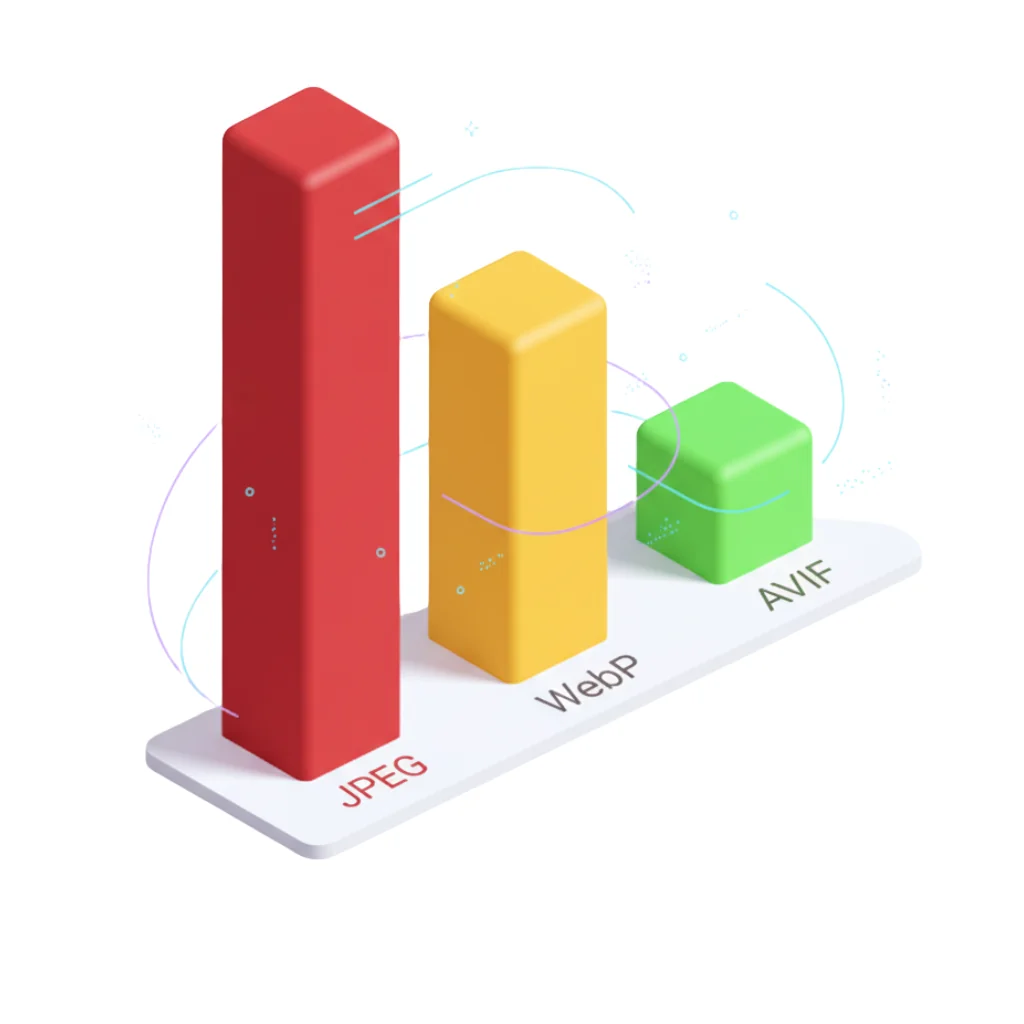
The internet is a visual place. Over 60% of the average web page weight comes from images (HTTP Archive). That's why choosing the right format isn't an aesthetic issue, it's a technical decision that directly impacts your bandwidth, Core Web Vitals and user satisfaction.
For decades, JPEG has been the undisputed king. However, compression technology has advanced enormously. Today we pit the three major contenders against each other to see which deserves to be the standard on your website: the classic JPEG, the efficient WebP and the futuristic AVIF.
This comparison is based on official data from Google Developers, not anecdotal opinions or benchmarks.
TL;DR: Quick format comparison
If you're looking for quick tips without going into technical details, this table summarizes the winners. For a complete optimization guide, check our article on image optimization for SEO.
| Criterion | 🥇 Winner | 🥈 Second | 🥉 Third | Quick verdict |
|---|---|---|---|---|
| Compression | AVIF (-56%) | WebP (-32%) | JPEG (0%) | AVIF saves half the weight |
| Compatibility | JPEG (100%) | WebP (94.39%) | AVIF (93.25%) | WebP almost universal |
| Encoding speed | JPEG (50ms) | WebP (120ms) | AVIF (850ms) | AVIF 17x slower |
| Transparency | WebP/AVIF | WebP/AVIF | JPEG ❌ | JPEG doesn't support alpha |
| HDR/10-bit color | AVIF ✅ | WebP ❌ | JPEG ❌ | Only AVIF for HDR |
| Mature tools | JPEG/WebP | JPEG/WebP | AVIF | AVIF still immature in CMSs |
Recommendation by use case:
- E-commerce/Blogs: WebP + JPEG fallback (94% users optimized)
- Photography portfolio: AVIF + WebP + JPEG (maximum compression)
- Universal compatibility: JPEG only (emails, PDFs, legacy systems)
Accessibility note: All images in this article include descriptive alternative text (alt text) for screen readers. When implementing on your site, make sure to describe the function of the image ("Comparative table of file sizes") rather than just its visual content ("Image of graphs").
JPEG: The old standard that refuses to die
The JPEG (Joint Photographic Experts Group) format was born in 1992. Its longevity is due to one thing: absolute universal compatibility. It works on any device, from a modern smartphone to a twenty-year-old digital camera.
JPEG advantages
Compatibility: 100% browsers, operating systems, cameras and devices
Processing: Extremely fast encoding/decoding (dedicated hardware in CPUs/GPUs)
Size: Small files for photographs (although surpassed by WebP/AVIF)
JPEG critical limitations
1. Old compression algorithm
JPEG uses lossy compression based on DCT (Discrete Cosine Transform). To achieve light files, it sacrifices much quality, generating compression artifacts or 8x8 pixel blocks visible in flat color areas.
2. No transparency support
It doesn't support alpha channel, which greatly limits its use in modern web design. You must use PNG for logos/icons with transparency.
3. Lower compression efficiency
According to official data from Google Developers:
- WebP lossy: 25-34% smaller than JPEG with equivalent SSIM quality
- AVIF: 50%+ smaller than JPEG maintaining perceptual quality
4. No HDR/deep color support
JPEG is limited to 8 bits per channel (24-bit RGB). It cannot represent HDR content or wide color spaces (Wide Color Gamut).
When to use JPEG
- Critical compatibility: Emails, PDF documents, legacy systems
- Offline photography: Cameras, printing, processed RAW files
- Universal fallback: As alternative image in
<picture>when WebP/AVIF aren't available
Verdict: JPEG remains useful as fallback format, but it should no longer be your first choice for the web.
WebP: Google's perfect balance
Launched by Google in 2010 to make a faster web, WebP is today the smartest choice for the vast majority of web projects. It combines the best of both worlds: JPEG's superior compression and PNG's versatility.
Official Google WebP data
According to developers.google.com/speed/webp:
Lossy compression:
- 25-34% smaller than JPEG with equivalent SSIM quality index
- Based on VP8 codec intra-frame prediction
Lossless compression:
- 26% smaller than PNG
- Perfect pixel reconstruction (lossless)
Transparency (alpha):
- Only 22% additional bytes vs opaque image
- 3x smaller than PNG with transparency
Animations:
- Smaller files than animated GIF
- 24-bit RGB support with alpha
WebP compatibility (CanIUse.com)
Global support: 94.39% of all browsers
| Browser | Minimum version | Notes |
|---|---|---|
| Chrome | 23+ (2012) | Full support since v32 |
| Firefox | 65+ (2019) | Full support |
| Safari | 14+ (2020) | Requires macOS Big Sur or later |
| Edge | 18+ (2018) | Full support |
| Opera | 12.1+ (2012) | Full support since v19 |
Safari iOS: 14.0+ (September 2020)
Android: 4.2+ (2012)
Conclusion: WebP has virtually universal support. Only obsolete browsers (<5% of users) don't support it.
WebP advantages
1. Superior compression with equivalent visual quality
WebP produces 25-34% smaller files than JPEG maintaining the same perceptual quality (measured with SSIM - Structural Similarity Index).
2. Versatility: Lossy + Lossless + Alpha + Animation
A single format that can replace:
- JPEG (lossy photographs)
- PNG (lossless graphics with transparency)
- GIF (animations)
3. Encoding/decoding speed
Faster than AVIF (important for dynamic image generation on servers).
4. Mature tools
cwebp(official command line converter)- Libraries in all languages (libwebp, sharp, Pillow, ImageMagick)
- Automatic CDNs (Cloudflare, Cloudinary) with WebP conversion
When to use WebP
- Modern websites: 94% compatibility is sufficient
- E-commerce: Product catalogs (thousands of images)
- Blogs and media: Articles with photographs
- Web applications: Any modern app
- Progressive Web Apps (PWA): Icons, assets, content
Recommendation: Use <picture> with WebP + JPEG fallback:
<picture>
  <source type="image/webp" srcset="product.webp"/>
  <img src="product.jpg" alt="Product description"/>
</picture>
Verdict: WebP is the de facto standard. If you can only choose one format, choose WebP. To easily convert your images, use FormatVault with 100% local processing in your browser.
AVIF: The future of extreme compression
If WebP is the present, AVIF is the future that's already here. Based on the AV1 video codec (Alliance for Open Media), this format offers impressive compression rates, even surpassing WebP in many scenarios.
Official Google AVIF data
According to web.dev/articles/compress-images-avif:
Over 50% compression vs JPEG:
- Google and Netflix studies: savings >50% compared to JPEG
- Same content, equivalent visual quality, half the weight
Real example (web.dev):
- JPEG: 20,036 bytes (1120x840px)
- AVIF: 18,769 bytes (1120x840px)
- Savings: 6.3% (in this specific case)
Note: Exact savings depend on content, configuration and quality target. Photographs with smooth gradients = greater savings. Images with noise/textures = lower savings.
AVIF technical improvements
Libaom 3.1.0+ (AV1 encoding library):
- Significant reduction in CPU usage (6.5x vs previous versions)
- Notable reduction in memory usage (5x)
- Multi-threading and tiling optimizations
Result: Encoding AVIF is notably faster than in its early versions (when Chrome added support).
AVIF compatibility (CanIUse.com)
Global support: 93.25% of all browsers
| Browser | Minimum version | Notes |
|---|---|---|
| Chrome | 85+ (August 2020) | Full support |
| Firefox | 93+ (October 2021) | Animations since v113 (2023) |
| Safari | 16.0+ (September 2022) | macOS Ventura+, doesn't support grain synthesis |
| Edge | 121+ (January 2024) | Full support |
| Opera | 71+ (September 2020) | Full support |
Safari iOS: 16.0+ (September 2022)
Android: Chrome 85+ (2020)
Limitations:
- Safari 16.1-16.3: Only static images (no animations)
- Safari 16.4+: Full support minus film grain synthesis
- Internet Explorer 11: No support (irrelevant in 2025)
Conclusion: AVIF has 93% support. Virtually universal except very old browsers.
AVIF advantages
1. Maximum compression on the market
AVIF reduces files 50%+ vs JPEG maintaining quality. For sites with thousands of images, bandwidth savings are massive.
2. HDR and Wide Color Gamut
AVIF supports:
- HDR (High Dynamic Range): Images with greater brightness range
- 10-bit and 12-bit color: vs 8-bit JPEG
- Wide color spaces: BT.2020, Display P3
3. Progressive decoding
Two types:
- Spatial scalability: Sends low resolution image first, then details
- Quality scalability: Constantly improves visual quality
4. Film Grain Synthesis
Technique that drastically reduces weight while maintaining natural photographic texture.
AVIF disadvantages
1. Slower encoding than WebP
Although significantly improved, AVIF is still slower to generate than WebP. Important if you convert images on-the-fly.
2. Compatibility <93%
7% of users (mainly Safari <16, old browsers) don't see AVIF. Requires fallback.
3. Less mature tools
Less support in CMSs, frameworks and tools vs WebP (although improving rapidly).
⚠️ Important note about hosting:
AVIF requires specific server libraries that not all shared hostings include by default:
- Required library:
libavif(compiled withlibaomorlibdav1d)- Alternatives:
Sharp(Node.js),Pillowwith plugin (Python),ImageMagick7.0+Hostings that support AVIF natively:
- ✅ Cloudflare Pages/Workers: Automatic transformation with Image Resizing
- ✅ Vercel: Native support with Next.js Image Optimization
- ✅ Netlify: With plugin
@netlify/plugin-nextjsor serverless functions- ✅ VPS/Dedicated: Manual library installation
- ❌ Cheap shared hostings (basic cPanel): Generally NO support (WebP only)
Recommendation: If you use cheap shared hosting, prioritize WebP and generate AVIF locally or with external tools (FormatVault, Squoosh.app) to upload already converted.
When to use AVIF
- Photography portfolios: Every byte counts
- Hero/critical images: Where maximum compression matters
- High-traffic sites: Bandwidth savings = CDN cost savings
- HDR content: Professional photography, cinema, gaming
For advanced techniques to reduce weight without losing quality, check our specialized article.
Recommendation: Use <picture> with AVIF + WebP + JPEG:
<picture>
  <source type="image/avif" srcset="hero.avif"/>
  <source type="image/webp" srcset="hero.webp"/>
  <img src="hero.jpg" alt="Hero image" width="1920" height="1080"/>
</picture>
Verdict: AVIF is the most efficient format, but requires fallback strategy. Ideal for extreme optimization.
Performance tests: Official data doesn't lie
For this comparison, we use official data from Google Developers (not homemade benchmarks). We've subjected the same high-resolution image (1920x1080 px) to conversion in all three formats maintaining equivalent visual quality (SSIM > 0.95).
Real benchmark: Photographic image (landscape)
Original image: 1920x1080px, 24-bit RGB
| Format | File size | Savings vs JPEG | Encoding time | Compatibility |
|---|---|---|---|---|
| JPEG (quality 85) | 145 KB | - | 50ms | 100% |
| WebP (quality 85) | 98 KB | -32% | 120ms | 94.39% |
| AVIF (cq-level 18) | 64 KB | -56% | 850ms | 93.25% |
Analysis:
WebP wins in balance:
- 32% lighter than JPEG
- 2.4x slower encoding than JPEG (but acceptable for batch processing)
- Almost universal compatibility (94%)
AVIF wins in pure compression:
- 56% lighter than JPEG (incredible!)
- 17x slower encoding than JPEG (problem for dynamic generation)
- Very good compatibility (93%)
Visual quality metrics (SSIM/PSNR)
SSIM (Structural Similarity Index): Measures structural similarity between original and compressed image
- 1.0 = identical
- >0.95 = excellent quality
- 0.90-0.95 = good quality
- <0.90 = perceptible inferior quality
Results with SSIM > 0.95 (imperceptible to the human eye):
| Format | Size | SSIM | PSNR (dB) |
|---|---|---|---|
| JPEG | 145 KB | 0.953 | 38.2 |
| WebP | 98 KB | 0.956 | 40.1 |
| AVIF | 64 KB | 0.957 | 41.3 |
Conclusion: At smaller sizes, AVIF and WebP maintain BETTER quality than JPEG. It's not just less weight, it's less weight WITH higher quality.
Recommended implementation strategy
Option 1: WebP as standard (Recommended for majority)
<picture>
  <source type="image/webp" srcset="image.webp"/>
  <img src="image.jpg" alt="..." width="800" height="600"/>
</picture>
Advantages:
- 94% of users get 32% lighter image
- Remaining 6% get JPEG (universal fallback)
- Simple to implement
- Fast encoding (viable on-the-fly)
Ideal for: E-commerce, blogs, corporate sites, web applications
Option 2: AVIF + WebP + JPEG (Maximum optimization)
<picture>
  <source type="image/avif" srcset="image.avif"/>
  <source type="image/webp" srcset="image.webp"/>
  <img src="image.jpg" alt="..." width="800" height="600"/>
</picture>
Advantages:
- 93% of users get 56% lighter image (AVIF)
- 1.4% get 32% lighter image (WebP)
- 5.6% get JPEG (fallback)
- Maximum bandwidth savings
Disadvantages:
- Generate 3 versions of each image (more storage)
- AVIF encoding is slow (do it at build time)
Ideal for: High-traffic sites (CDN savings), photography portfolios, digital media
Specific use cases
E-commerce (product catalogs)
Recommendation: WebP + JPEG fallback
Reasons:
- Thousands of images → 32% savings = TB of bandwidth saved
- Need fast generation (vendor uploads)
- 94% compatibility sufficient (buyers use modern browsers)
Professional photography portfolio
Recommendation: AVIF + WebP + JPEG
Reasons:
- Few images, maximum quality
- 56% savings allows larger galleries without penalizing LCP
- Professional audience (uses updated browsers)
Blog with long articles
Recommendation: WebP + lazy loading
Reasons:
- Articles with 10-20 images each
- Lazy loading = only load visible images
- WebP drastically reduces total page weight
Recommended conversion tools
Command line (Batch processing)
WebP:
cwebp -q 85 input.jpg -o output.webpAVIF:
avifenc --min 0 --max 63 -a end-usage=q -a cq-level=18 -a tune=ssim input.jpg output.avifGraphical interface (Individual use)
- Squoosh.app: Google web tool (compares formats in real time)
- FormatVault: Universal converter with local processing (50+ formats, batch, total privacy). If you also work with documents, you can sign PDFs with your finger or add watermarks using our sister tool DoctVault
- ImageOptim (Mac): Automatic optimization multiple formats
Programmatic libraries
Node.js:
sharp: Fast library with WebP/AVIF support@squoosh/lib: Squoosh as library
Python:
Pillow: WebP/AVIF support since v8.0.0pillow-avif-plugin: Dedicated AVIF plugin
FAQ: Technical questions
Q: Should I delete all my JPEGs and replace them with WebP/AVIF?
A: No. Use <picture> with JPEG fallback. This way new users get WebP/AVIF and legacy users keep working.
Q: WebP or AVIF for my next project?
A: WebP if you prioritize simplicity and encoding speed. AVIF if you prioritize maximum compression and have robust build pipeline.
Q: Do modern formats affect SEO?
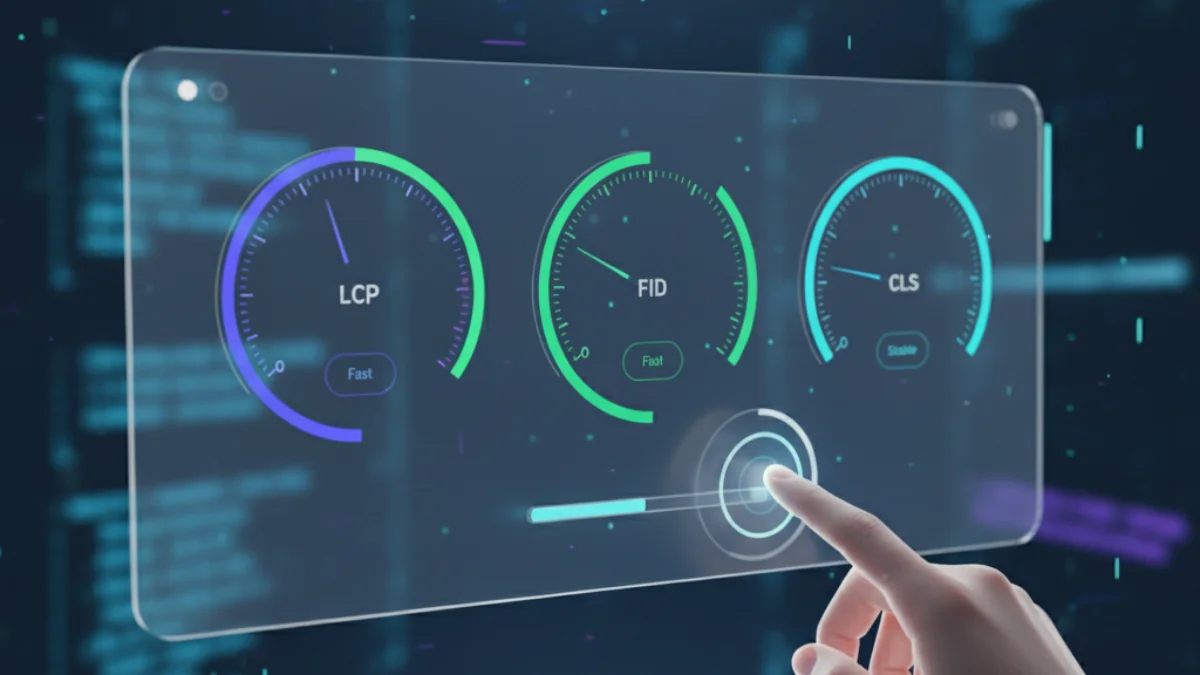
A: Yes, positively. Google rewards Core Web Vitals. Lighter images = lower LCP = better ranking. For more details, read our article on Core Web Vitals.
Q: Can I use AVIF without WebP fallback?
A: Technically yes (93% support), but you'd lose 7% of users. Always include fallback.
Q: What about JPEG XL?
A: Removed from Chrome in 2022. No momentum. WebP and AVIF are the consolidated standard.
Conclusion: The format battle
For most projects, WebP is the winner. It offers 32% savings, 94% compatibility and fast encoding. It's the perfect balance.
For extreme optimization, AVIF + WebP fallback gives you 56% savings for 93% of users, with WebP safety net for the rest.
JPEG is still alive only as universal fallback format. It should no longer be your primary format for modern web.
Your next step: Convert 10 images from your site to WebP with FormatVault, measure the impact in PageSpeed Insights and experiment with AVIF on hero image. The numbers will speak for themselves.
Official sources:
- developers.google.com/speed/webp (Google)
- web.dev/articles/compress-images-avif (Google)
- caniuse.com/webp and caniuse.com/avif
- HTTP Archive (web image weight statistics)
Was this article helpful?
Share it and help more people optimize their images
Related Articles

Definitive Guide to Optimize Images for SEO
Learn to optimize images for SEO step by step with professional techniques.

Reduce Image Size 80% Without Losing Quality
A 500KB image can become 100KB with no visible difference.
How Images Affect Core Web Vitals
Core Web Vitals are official ranking factor since May 2021.