
How to Convert JPG to AVIF: The Ultimate Next-Generation Format Guide (2025)
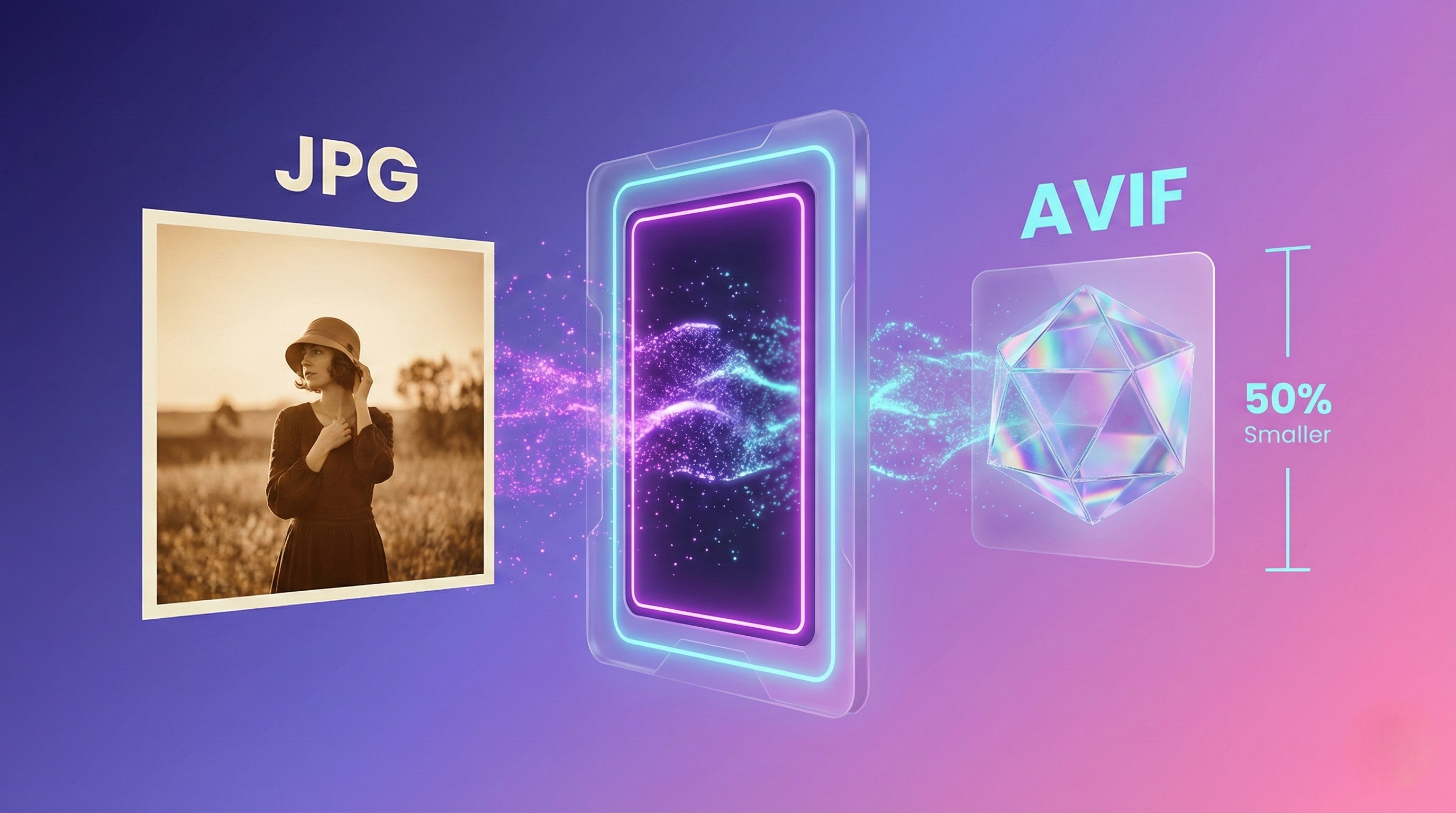
AVIF is the image format redefining compression standards on the web. While WebP offered significant improvements over JPEG more than a decade ago, AVIF takes that evolution to the next level with size reductions exceeding 50% while maintaining the same visual quality. But it's not just compression: AVIF supports high dynamic range (HDR), wide color gamut (WCG), and progressive decoding, features that position it as the definitive format for the next decade.
In this guide we'll technically dissect what makes AVIF different, how JPG to AVIF conversion works, and why companies like Netflix, YouTube and Facebook are already implementing it in production. We won't stay on the surface: we'll dive into the AV1 codec, quantization parameters, and performance optimizations that make its use viable at massive scale.
AVIF Is Not Just Another Format: It's the Evolution of the AV1 Codec
AVIF (AV1 Image File Format) wasn't born in an image lab. It was born from the video world. The Alliance for Open Media (AOMedia) developed the AV1 codec for video streaming, specifically designed to compete with H.265/HEVC but without licensing constraints. AV1 achieved 30% superior compression efficiency to H.265, and someone at AOMedia had the brilliant idea of applying that same algorithm to static images.
The result was AVIF, a format that inherits all of AV1's power: advanced predictive coding, variable-size DCT transforms, and perceptual quantization. But unlike video, where each frame has temporal constraints, AVIF images can take all the processing time needed to achieve optimal compression.
The Official Data Nobody Disputes
Official data from Google, Netflix and AOMedia: AVIF offers size reductions of 50% or more compared to JPEG while maintaining the same SSIM (Structural Similarity Index) level. It's not marketing. Jake Archibald (Google Chrome engineer) documented 50% savings in his 2020 technical analysis. Netflix Tech Blog reported similar results in their AVIF migration for thumbnails.
Key 2025 data: AVIF has 94.7% global browser support according to CanIUse. Chrome supports it since version 85 (2020), Firefox since 93 (2021), Safari since 16 (2022), and Edge since 121 (2024). This means the compatibility barrier that held back its adoption for years no longer exists.
AVIF vs WebP: The Comparison That Matters
WebP compresses 25-35% better than JPEG. AVIF compresses 50% or more better than JPEG. That means AVIF is approximately 15-20% more efficient than WebP in terms of file size with the same perceived quality.
But there's a critical technical detail: AVIF encoding is significantly slower than WebP. While cwebp can process an image in 200-300ms, avifenc can take 2-4 seconds with optimal configuration. This isn't a problem if you generate images once in your build pipeline, but rules out using AVIF for on-the-fly conversion on high-traffic servers without robust caching.
📊 Complete comparison: Read our technical analysis WebP vs AVIF vs JPEG with compression tables, SSIM/PSNR benchmarks and detailed use cases by content type.
How JPG to AVIF Conversion Works Technically
Understanding AVIF's architecture will allow you to make informed decisions about quality, encoding speed and compatibility.
1. The AV1 Codec: Beyond Basic Prediction
AVIF uses the AV1 codec that implements advanced compression techniques inherited from video:
- Advanced Intra Prediction: While WebP uses 4 intra prediction modes and JPEG uses fixed DCT prediction, AV1 has 71 directional intra prediction modes. This means it can predict each pixel block much more precisely based on its neighbors, reducing the amount of residual data it needs to encode.
- Variable-Size DCT Transforms: AV1 doesn't use a fixed 8x8 block like JPEG. It can dynamically choose between 4x4, 8x8, 16x16, 32x32, and 64x64 transforms depending on content. In areas with fine details it uses small blocks; in homogeneous areas (skies, backgrounds) it uses large blocks, optimizing efficiency.
- Perceptual Quantization: AV1's quantizer considers the Human Visual System (HVS). It knows the human eye is more sensitive to brightness changes (luminance) than color changes (chrominance), and adjusts quantization accordingly.
2. Film Grain Synthesis
This feature is unique to AVIF and doesn't exist in WebP or JPEG. Modern digital photographs, especially in low light conditions, have grain (noise). Encoding that grain pixel by pixel is inefficient because it's pseudo-random.
AVIF implements film grain synthesis: instead of encoding the grain, it encodes the grain's statistical parameters(intensity, distribution, correlation). The decoder regenerates the grain synthetically during playback. This can save 15-30% of file size in high ISO photographs without losing the "photographic realism" appearance.
Professional Methods to Convert JPG to AVIF
There are three main approaches, each optimized for different use cases.
Method 1: avifenc (Official Reference Encoder)
The avifenc encoder is part of the libavif library maintained by AOMedia. It's the gold standard for AVIF conversion with full control over parameters.
Basic conversion with optimal quality:
avifenc --min 0 --max 63 -a end-usage=q -a cq-level=18 -a tune=ssim input.jpg output.avifParameters explained:
--min 0 --max 63: Full quantization range (0=best, 63=worst)-a end-usage=q: Constant quality mode (Q)-a cq-level=18: Quantization level 18 (range 0-63, recommended 15-25 for photos)-a tune=ssim: Optimize for SSIM (better correlation with human perception than PSNR)
Optimized batch conversion:
# Supports .jpg, .JPG, .jpeg, .JPEG (case-insensitive)
shopt -s nocaseglob
for file in *.jpg *.jpeg; do
  [[ -f "$file" ]] || continue
  base="${file%.*}"
  avifenc --min 0 --max 63 -a end-usage=q -a cq-level=20 -a tune=ssim --speed 6 --jobs 4 "$file" "${base}.avif"
done
--speed 6 is the recommended balance between encoding speed (time) and compression efficiency (final size). Higher values (7-10) are faster but compress worse.
Technical note: shopt -s nocaseglob allows the script to recognize files with any combination of uppercase (.JPG, .Jpg, .JPEG). The [[ -f "$file" ]] check avoids errors if there are no files matching the pattern.
Method 2: FormatVault (Browser-Based, Privacy-First)
FormatVault converts JPG to AVIF 100% locally in your browser using WebAssembly. Zero uploads, zero cloud processing.
Use case: Perfect for designers, photographers and content creators who handle sensitive client images.
Method 3: sharp (Node.js Integration)
For build pipelines (Next.js, Gatsby, Vite), sharp offers AVIF conversion with full programmatic control.
const sharp = require('sharp');

sharp('input.jpg')
  .avif({
    quality: 50,  // AVIF uses different scale than JPEG
    effort: 6     // Speed vs efficiency (0-9, 6=balanced)
  })
  .toFile('output.avif');
When to Convert JPG to AVIF and When Not To
✅ Convert to AVIF when:
- Hero images: LCP improvement directly impacts Core Web Vitals
- High-traffic pages: 50% savings multiplied by millions of visits = huge CDN cost reduction
- Photo galleries: Same perceived quality, half the bandwidth
- E-commerce products: Fast loading without sacrificing visual detail
❌ Do NOT convert to AVIF when:
- Legacy browser support required: If your analytics show >5% traffic from old browsers without AVIF support
- On-the-fly conversion: Encoding time (2-4s) kills server performance without aggressive caching
- Already have WebP optimized: Marginal gains (15-20%) may not justify re-processing millions of images
Quality Calibration: The Science of cq-level
The cq-level parameter in AVIF is NOT equivalent to JPEG quality. Here's the practical mapping:
| Use Case | AVIF cq-level | Equivalent JPEG Quality | Expected Size |
|---|---|---|---|
| Hero images | 15-18 | 85-90 | 200-400 KB (1920x1080) |
| Blog photos | 20-25 | 80-85 | 150-300 KB (1920x1080) |
| Thumbnails | 28-32 | 75-80 | 50-100 KB (800x600) |
Recommendation: Start with cq-level=20, compare visually with original, adjust ±3 based on content type.
Production Implementation: Serving AVIF with Triple Fallback
94.7% browser support is great, but you need fallback for the remaining 5.3%. Use the <picture> element:
<picture>
  <!-- First option: AVIF (modern browsers) -->
  <source type="image/avif" srcset="hero.avif">

  <!-- Second option: WebP (Safari 14-15, older Chrome/Firefox) -->
  <source type="image/webp" srcset="hero.webp">

  <!-- Fallback: JPEG (IE11, very old browsers) -->
  <img src="hero.jpg" alt="Hero image description" width="1920" height="1080">
</picture>
How it works: Browser picks the first format it supports. If none supported, shows JPEG fallback.
Performance Optimizations: Reducing Encoding Time
AVIF encoding is CPU-intensive. Here's how to optimize:
1. Parallel processing with --jobs
avifenc --jobs 8 input.jpg output.avif # Uses 8 CPU cores2. Speed vs efficiency trade-off
--speed 4: Maximum quality, 5-10s per image--speed 6: Balanced (recommended), 2-3s per image--speed 8: Fast, 0.5-1s per image, slightly larger files
3. Use libaom 3.1+ with AVX2 optimizations
libaom 3.1 (released 2022) includes:
- 2-3x faster encoding vs libaom 2.0
- 5x reduction in memory usage
- Optimizations for tiling and multi-threading
Specific Use Cases with Optimal Configuration
Case 1: E-commerce product photos
avifenc --min 0 --max 63 -a end-usage=q -a cq-level=15 -a tune=ssim --speed 6 product.jpg product.avifLower cq-level (15) = higher quality for zoom details.
Case 2: Blog hero images
avifenc --min 0 --max 63 -a end-usage=q -a cq-level=20 -a tune=ssim --speed 7 hero.jpg hero.avifBalanced quality, faster encoding (speed 7).
Case 3: Photo galleries (100+ images)
avifenc --min 0 --max 63 -a end-usage=q -a cq-level=25 -a tune=ssim --speed 8 --jobs 8 gallery.jpg gallery.avifHigher cq-level (25) acceptable for gallery thumbnails, maximum parallelization.
Common Errors and Verified Solutions
❌ Error: "avifenc: command not found"
Solution:
# macOS
brew install libavif

# Ubuntu/Debian
sudo apt install libavif-bin

# Verify installation
avifenc --version
❌ Error: "Out of memory" when encoding
Cause: Image too large or insufficient RAM
Solution: Reduce image dimensions before converting:
convert input.jpg -resize 1920x input-resized.jpg avifenc input-resized.jpg output.avif❌ Error: AVIF looks worse than JPEG at same file size
Cause: Using wrong cq-level or tune parameter
Solution: Always use -a tune=ssim and calibrate cq-level:
avifenc -a cq-level=18 -a tune=ssim input.jpg test-q18.avif avifenc -a cq-level=22 -a tune=ssim input.jpg test-q22.avifCompare visually, choose lower number (better quality) if file size is acceptable.
Post-Implementation Monitoring: Verifying Success
After migrating to AVIF, verify real-world impact:
1. Chrome DevTools Network tab
- Check "Type" column shows
avif - Verify size reduction vs previous JPEG/WebP
- Monitor "Time" (should be <100ms for cached AVIF)
2. PageSpeed Insights
Run before/after audit. Look for:
- LCP improvement (target <2.5s)
- Reduction in "Properly size images" warnings
- Overall Performance score increase
3. Google Search Console Core Web Vitals
Monitor "Good" URL percentage over 28 days. AVIF migration should move URLs from "Needs improvement" to "Good".
Frequently Asked Questions (FAQ)
Does AVIF work in all browsers?
Yes, in 94.7% of global browsers (2025). Chrome 85+, Firefox 93+, Safari 16+, Edge 121+. For the remaining 5.3%, use fallback to WebP and JPEG with the <picture> tag.
Does AVIF support animations like GIF?
Yes, AVIF supports animated sequences. But unlike GIF, AVIF compresses each frame with AV1, achieving animations with 10-20x less weight than GIF. However, for complex animations consider WebM or MP4.
Does AVIF directly affect SEO?
Indirectly yes. Google doesn't reward "using AVIF" per se, but rewards speed (Core Web Vitals). AVIF improves LCP by reducing hero image weight, which improves your ranking.
How much slower is AVIF encoding vs WebP?
Approximately 6-10x slower with optimal configuration (speed 6). WebP takes 200-300ms, AVIF takes 2-3 seconds per medium resolution image. But this only matters at build time, not runtime.
Conclusion: AVIF Is The De Facto Standard For 2025 and Beyond
AVIF is no longer experimental. With 94.7% global browser support (January 2025), massive performance improvements in libaom 3.1+, and documented success cases on the world's largest platforms (YouTube, Netflix, Facebook), the question is no longer "should I use AVIF?" but "when am I going to implement it?".
JPG to AVIF migration is not trivial: it requires understanding the AV1 codec, calibrating cq-level based on your content, optimizing encoding speed in your pipeline, and implementing robust fallback. But the numbers are irrefutable: 50%+ weight savings translate directly to green Core Web Vitals, better Google ranking, happier users, and CDN costs cut in half.
If you haven't migrated your JPGs to AVIF in 2025, you're leaving performance on the table and ceding competitive advantage to faster sites.
Last updated: January 2025 | Data verified: AOMedia, Web.dev, Netflix Tech Blog, CanIUse
Was this article helpful?
Share it and help more people optimize their images
Related Articles
How to Convert JPG to WebP: Complete Technical Guide
WebP encodes 10x faster (200-300ms), gives you 35% savings. Better speed/optimization balance.
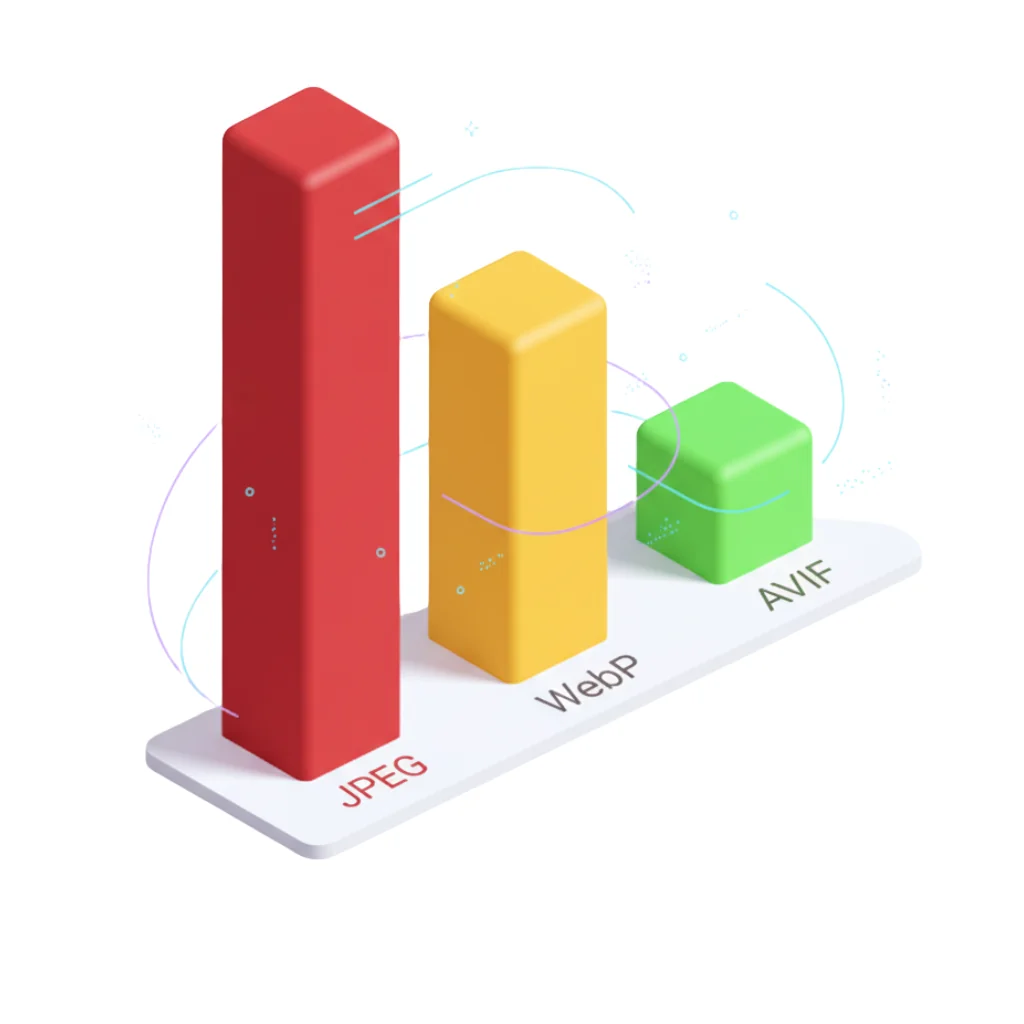
WebP vs AVIF vs JPEG: Complete Technical Analysis
Technical comparison with compression tables, SSIM/PSNR benchmarks and detailed use cases.
How Images Affect Core Web Vitals
80% of Core Web Vitals failures are due to poorly optimized images.