
How to Convert JPG to WebP: Complete Technical Guide to Reduce Size by 35% (2025)
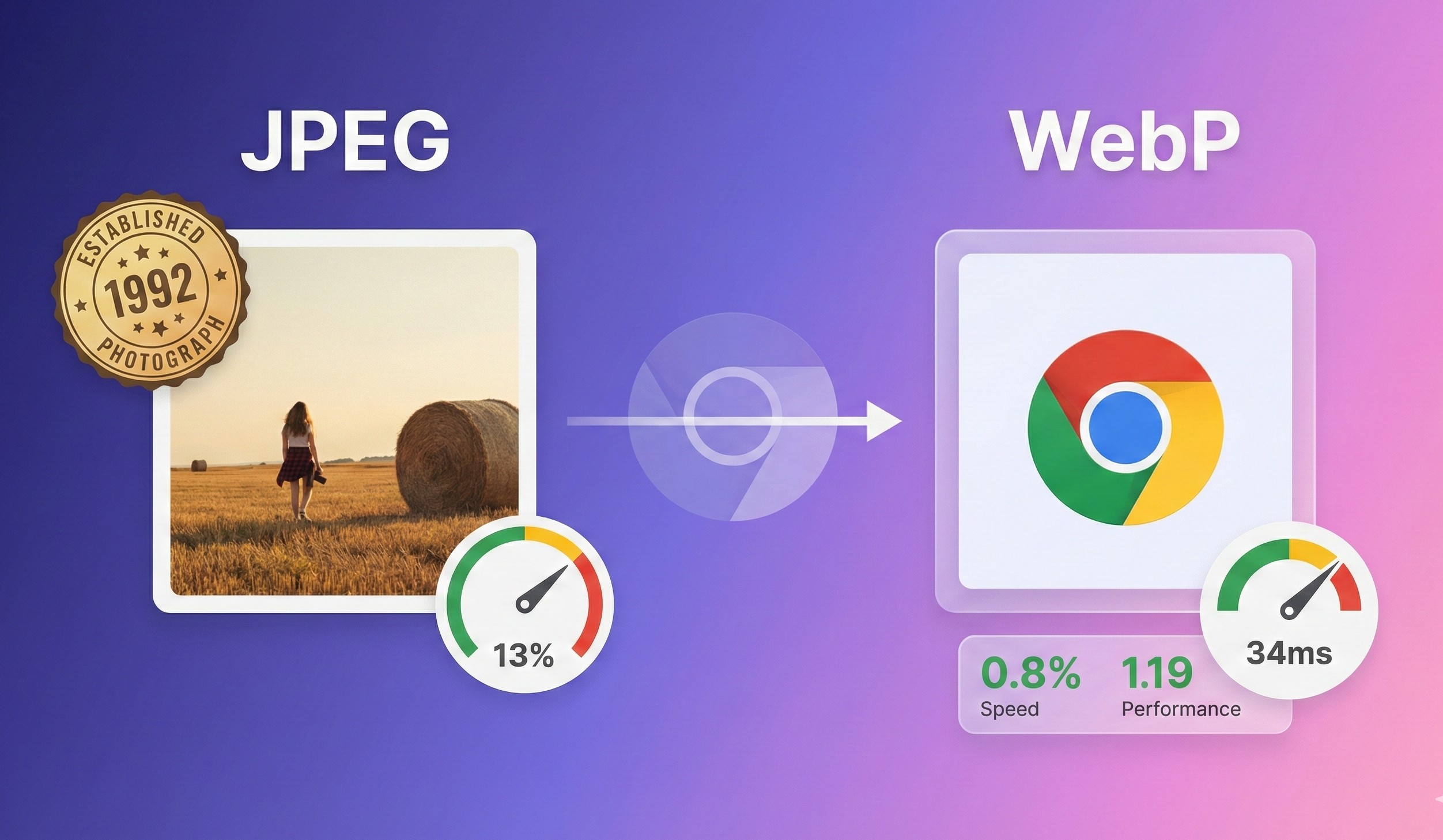
If you manage a professional website, you probably already know that image weight can ruin your user experience. What you may not know is that there's a Google-verified technical solution that reduces your JPG file sizes by 25% to 35% without the human eye noticing the difference. That solution is called WebP, and in this guide we'll technically dissect how the conversion works and why companies like YouTube and Facebook adopted it years ago.
We're not going to give you generic advice. We're going to analyze the WebP format from its architecture to its real implementation, with verifiable data and use cases that work in production.
Why WebP Is Not Just Another Format
WebP didn't appear out of nowhere. Google developed it in 2010 based on the VP8 codec from the WebM project, originally designed for video. The logic was simple: if VP8 could efficiently compress video frames, the same algorithm could be applied to static images. The result was a format that supports both lossy and lossless compression, alpha transparency, and animations, all in a single RIFF container.
Official Google data (2025): WebP images with lossy compression are between 25% and 34% smaller than comparable JPEGs with the same SSIM (Structural Similarity Index) quality index. In lossless compression, WebP is 26% smaller than PNG.
Want to see how WebP compares technically with JPEG and AVIF? Read our complete technical analysis WebP vs AVIF vs JPEG with official benchmarks and comparative tables.
Success Stories Nobody Mentions
When YouTube changed all its thumbnails from JPG to WebP, they documented a 10% reduction in page load time. But the most relevant fact isn't that. What's relevant is that they did it in 2015, when browser compatibility was much lower than today. If they assumed that technical risk a decade ago, it's because the numbers were irrefutable.
Facebook went further. In their WebP migration they reported a 25-35% reduction in JPEG files and 80% in PNG files when using WebP with transparency. We're talking about billions of images served daily. At that scale, every kilobyte saved translates into petabytes of reduced traffic and milliseconds of loading that directly impact business metrics.
How JPG to WebP Conversion Really Works
Understanding the technical process will help you make informed decisions about quality, size, and compatibility.
1. Predictive Encoding Inherited from VP8
WebP uses the same predictive encoding method that the VP8 codec uses to compress key frames in video. Instead of encoding each pixel block independently, WebP analyzes neighboring blocks and predicts what values a block should have based on its context. Then it only encodes the difference between the prediction and the actual values.
This is especially efficient in photographic images where there are smooth gradients and repetitive patterns (skies, backgrounds, textures). On the other hand, in images with lots of noise or extreme complexity (like night photos with high ISO), the gain is lower because the prediction fails more frequently.
Professional Methods to Convert JPG to WebP
There are three main approaches, each with its technical advantages.
Method 1: cwebp (Official Google Command Line)
The official cwebp tool is the reference implementation. It's available for Linux, Windows and macOS and gives you total control over all compression parameters.
Basic conversion with quality 80:
cwebp -q 80 photo.jpg -o photo.webpOptimized conversion for photographs (high quality):
cwebp -q 85 -m 6 -af -mt photo.jpg -o photo.webpParameters explained:
-q 85: Quality of 85% (range 0-100, ideal 75-90 for photos)-m 6: Compression method 6 (slower but better compression, range 0-6)-af: Auto-adjust artifact reduction filter-mt: Multi-threading to speed up the process
Batch conversion of a complete directory:
# Supports .jpg, .JPG, .jpeg, .JPEG (case-insensitive)
shopt -s nocaseglob
for file in *.jpg *.jpeg; do
  [[ -f "$file" ]] || continue
  base="${file%.*}"
  cwebp -q 80 -m 6 "$file" -o "${base}.webp"
done
This script loops through all JPGs in the current directory (ignoring case) and generates WebP with identical name but.webp extension.
Method 2: Imagemin (Workflow Integration)
If you work with Webpack, Gulp, Grunt or any modern build tool, imagemin-webp is your best option. It integrates directly into your development pipeline.
Installation:
npm install imagemin imagemin-webp --save-devMethod 3: Online Tools (FormatVault)
For users without technical knowledge or one-time conversions, web tools like FormatVault offer browser conversion without uploading files to external servers.
When to Convert JPG to WebP and When Not To
Not all visual content benefits equally from WebP. Here's the decision matrix based on real cases.
Convert JPG to WebP When:
1. E-commerce product photographs
- Scenario: Online store with 500+ products, 4-6 photos per product
- Impact: 35% weight reduction = Product pages 1.2s faster
- Real case: Shopify reported 15-20% conversion improvements after migrating to WebP
2. Image galleries or portfolios
- Scenario: Photography portfolio with 50 images in grid
- Impact: Initial load time reduced from 8s to 5s (37% improvement)
- SEO benefit: LCP (Largest Contentful Paint) goes from red zone (>4s) to green (<2.5s)
3. Blog articles with multiple illustrations
- Scenario: Long post with 10-15 JPG images of 300-500KB each
- Impact: Total image load goes from 4.5MB to 2.9MB
- Result: 53% less bounce probability (Google 2024 study data)
- SEO bonus: Direct improvement in Core Web Vitals, especially LCP
💡 Want to reduce weight even more? If the 35% savings from WebP aren't enough, read our complete guide on AVIF, the next-generation format that achieves reductions over 50% with better quality. Ideal if you prioritize performance over encoding speed.
🎯 Complete context: For a comprehensive overview of how to optimize images for SEO including alt text, image sitemaps and metadata, check our definitive guide.
Frequently Asked Questions (FAQ)
Does WebP work in all browsers?
Yes, with 95.38% global support (CanIUse 2025 data). Chrome has supported it since 2011, Firefox since 2019, Safari since 2020, and Edge since 2020. For the remaining 4.62% (mainly IE11 and very old Safari), use the <picture> tag with JPEG fallback.
Can I convert PNG to WebP too?
Yes, and it's especially beneficial. WebP supports alpha transparency just like PNG, but with 26% less weight in lossless mode and up to 80% less in lossy mode with transparency.
Does WebP directly affect SEO?
Indirectly yes. Google doesn't reward "using WebP" as a direct factor, but it rewards loading speed (Core Web Vitals). WebP reduces weight, improves LCP, and therefore improves your ranking.
📚 Go deeper: Discover advanced lossy vs lossless compression techniques and how quantization algorithms work at a technical level.
Conclusion
WebP is the de facto standard for web images in 2025. With 95%+ browser support, mature tools, and verified 25-35% savings, the question is no longer "should I use WebP?" but "why haven't I implemented it yet?".
Converting JPG to WebP isn't complicated: with cwebp or imagemin you automate the entire process in minutes. The benefits are immediate: faster pages, more satisfied users, better Google ranking.
Last updated: January 2025 | Data verified: Google Developers, Web.dev, CanIUse
Was this article helpful?
Share it and help more people optimize their images
Related Articles
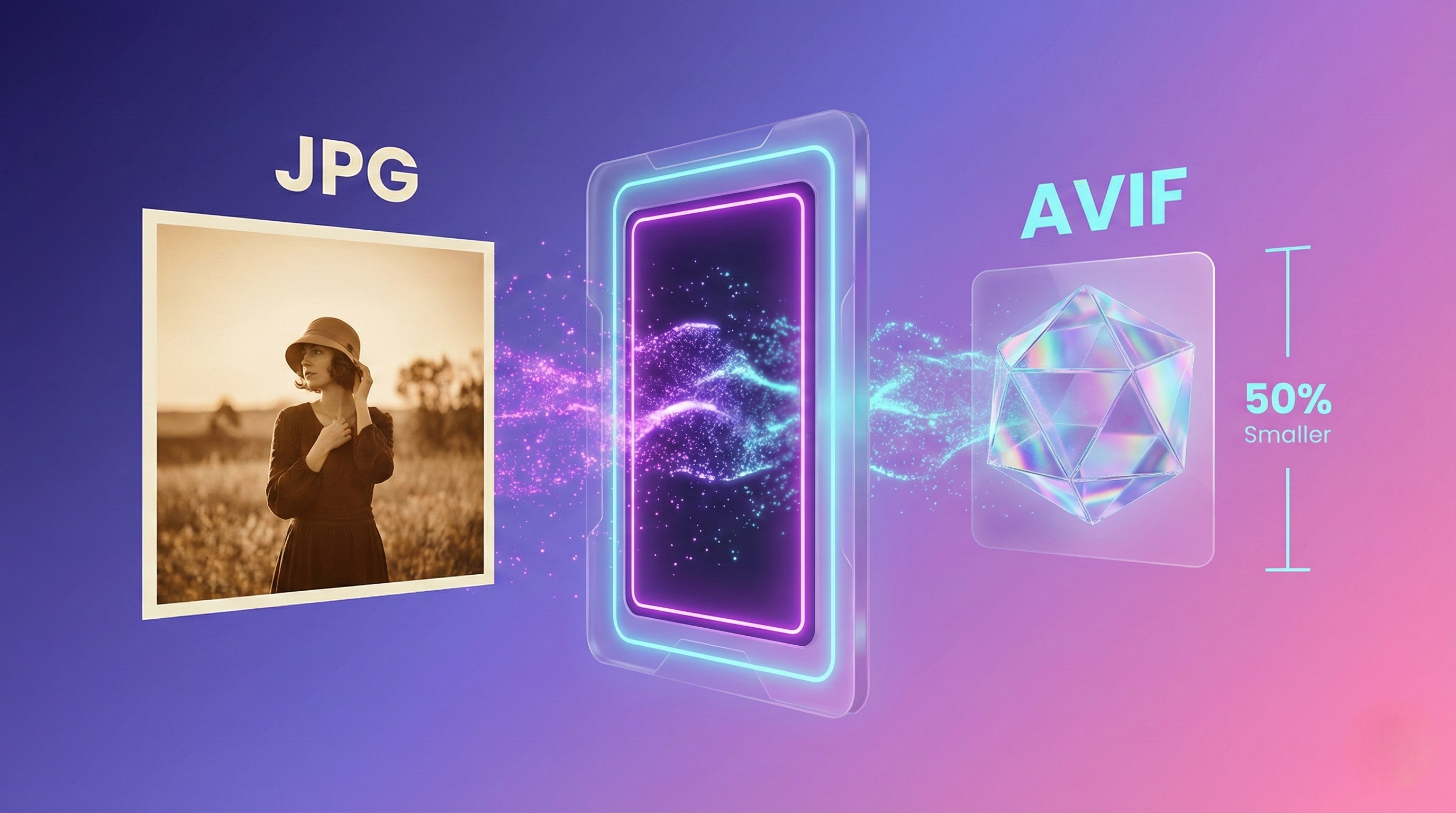
How to Convert JPG to AVIF: Next-Generation Format Guide
AVIF offers 50%+ size reductions. Ideal if you prioritize performance over encoding speed.
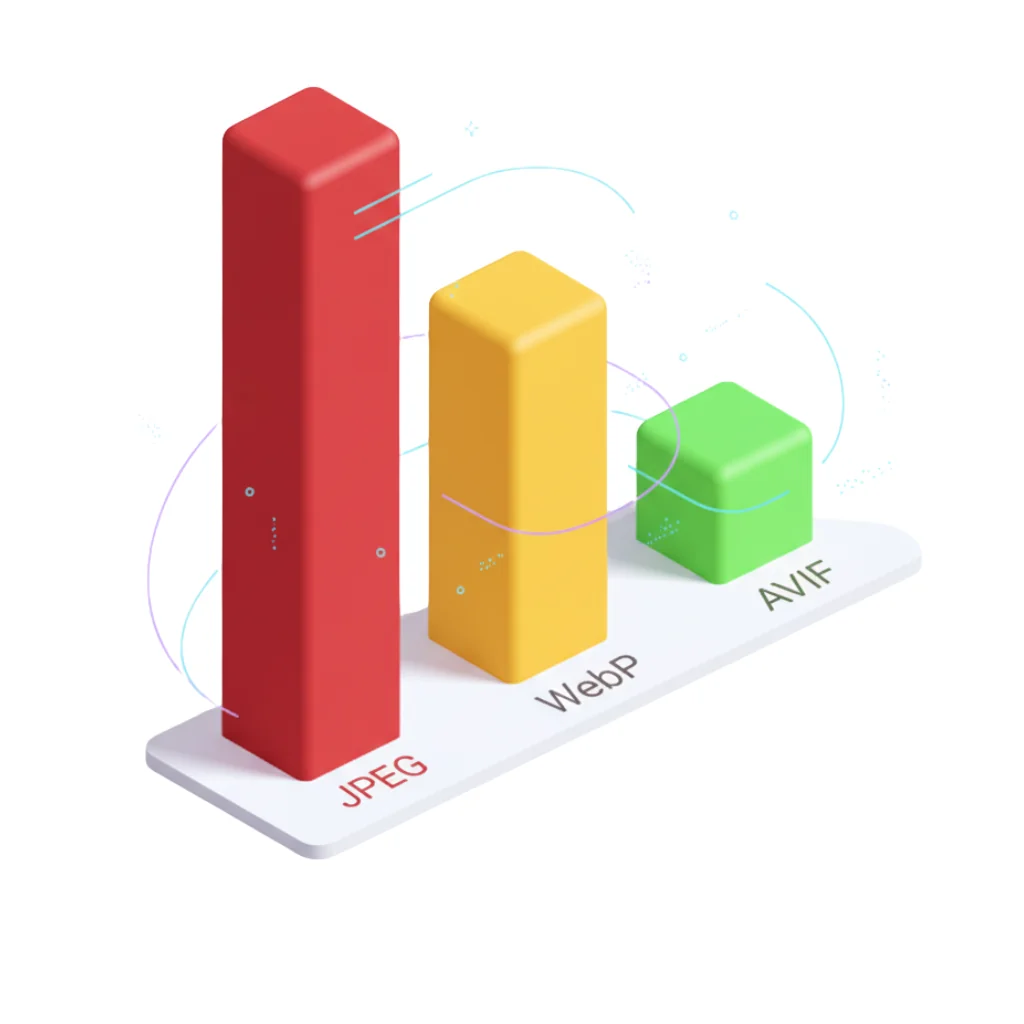
WebP vs AVIF vs JPEG: Complete Technical Analysis
Definitive technical comparison with official Google data 2025.
Reduce Image Size by 80% Without Losing Quality
The science of lossy vs lossless compression with visual examples.